Track expenses, budgets, and net worth in one connected app
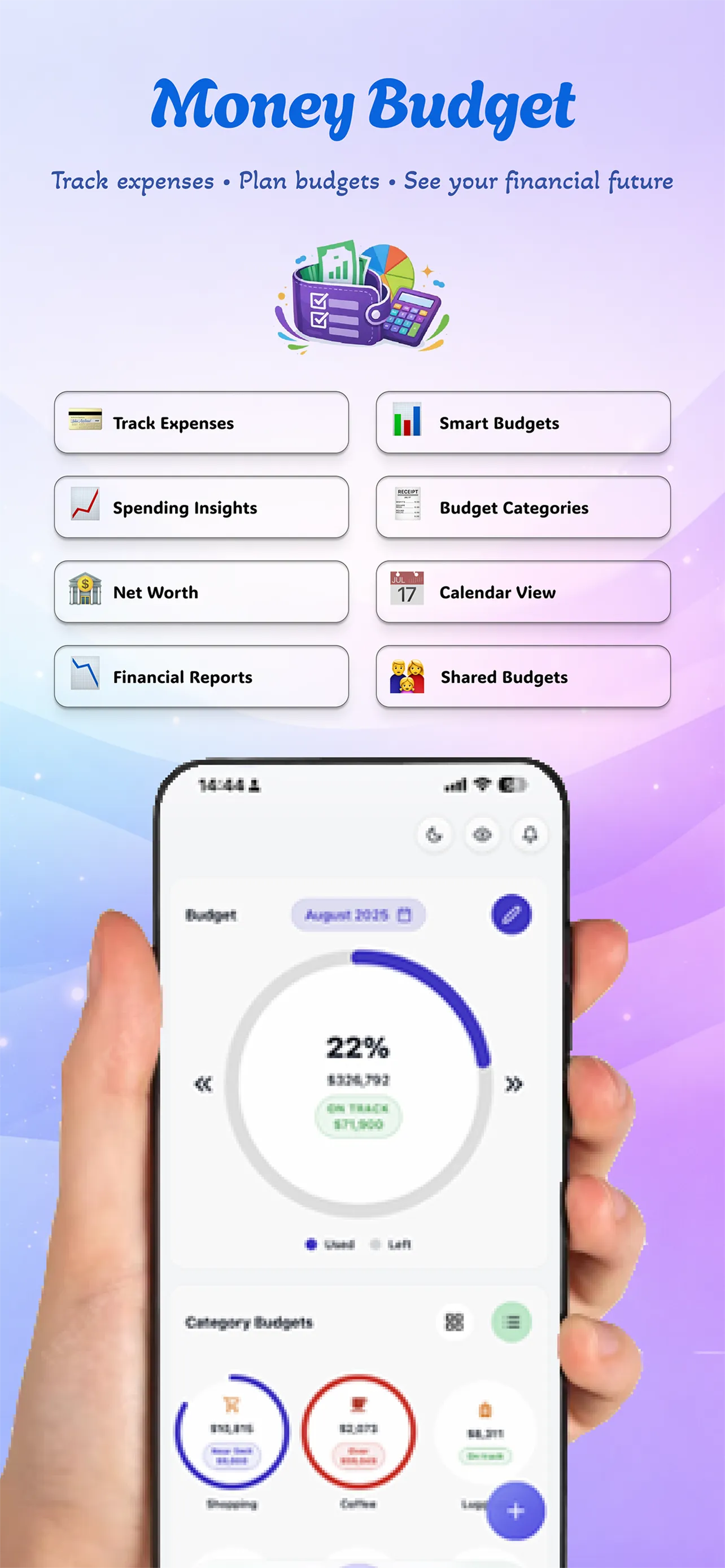
Money Budget connects daily transactions, monthly budgets, analysis, assets, and shared finance workflows so you can understand your money without juggling separate tools.
 Download for Android
Fast install, offline-friendly tracking, and secure sync across your phone and tablet.
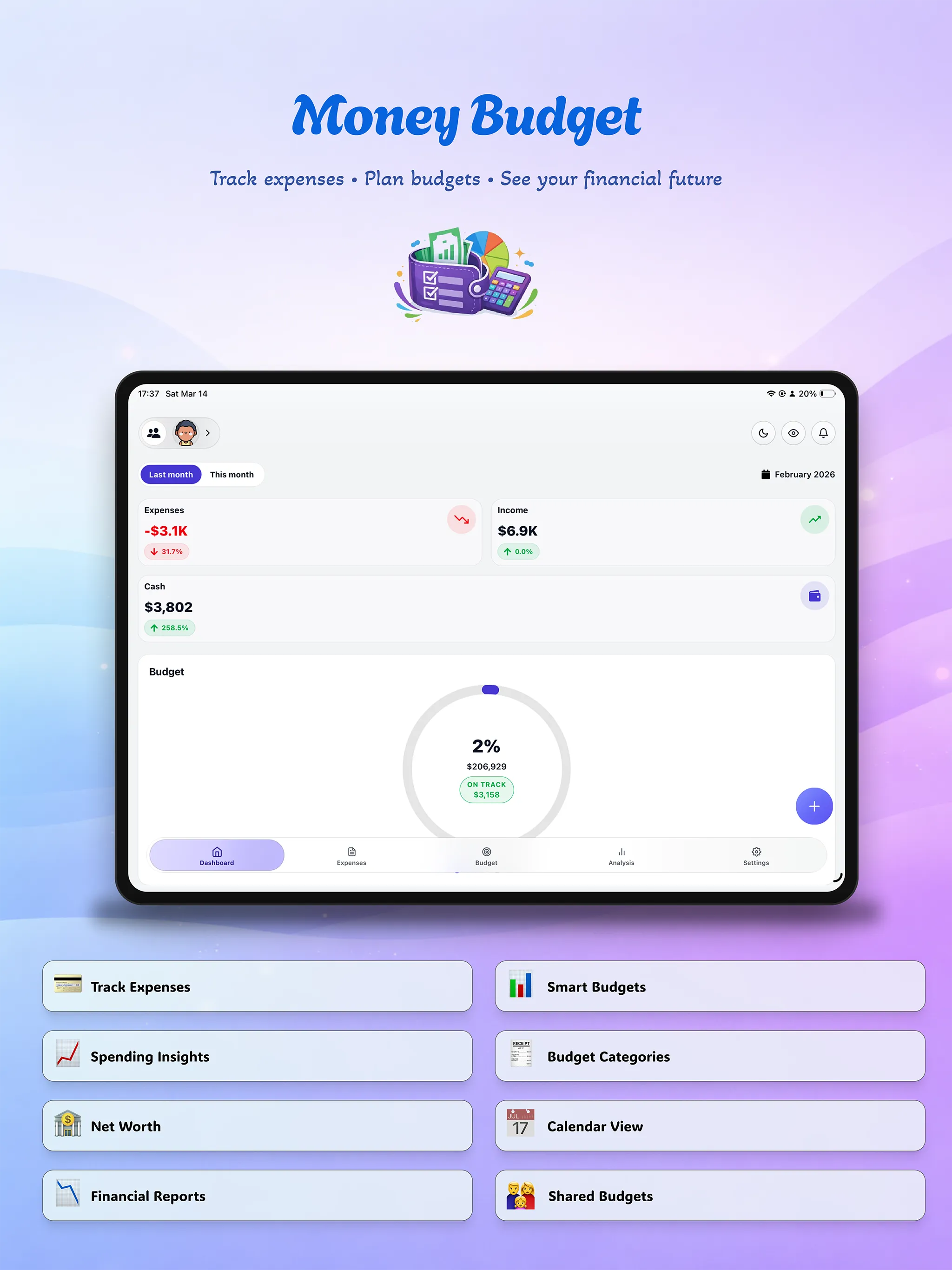
Also optimized for tablet screens
Multi-device UX
One finance system that feels native on phone and tablet
Quick capture on mobile, wider review on tablet, and the same connected data across dashboard, expenses, budget, analysis, and assets.
Finance shouldn't feel like a chore
Scattered money data
Expenses, budgets, reports, and account balances often live in separate places, so it is hard to see your real financial picture.
No clear monthly control
Without category budgets, cash flow views, and breakdown charts, it is easy to miss where money is actually moving.
Everything you need, nothing you don't
Built around the actual workflow inside the app.
Daily transaction tracking
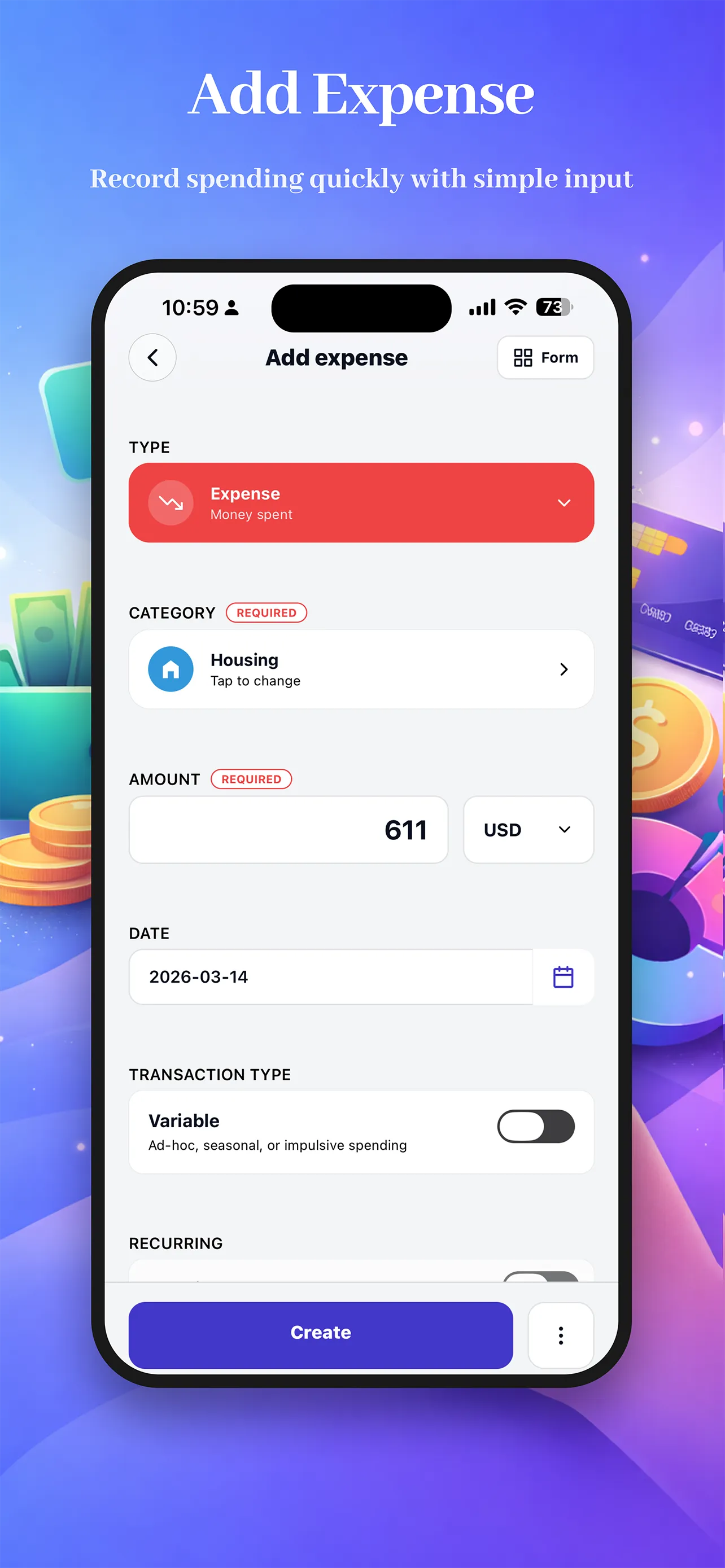
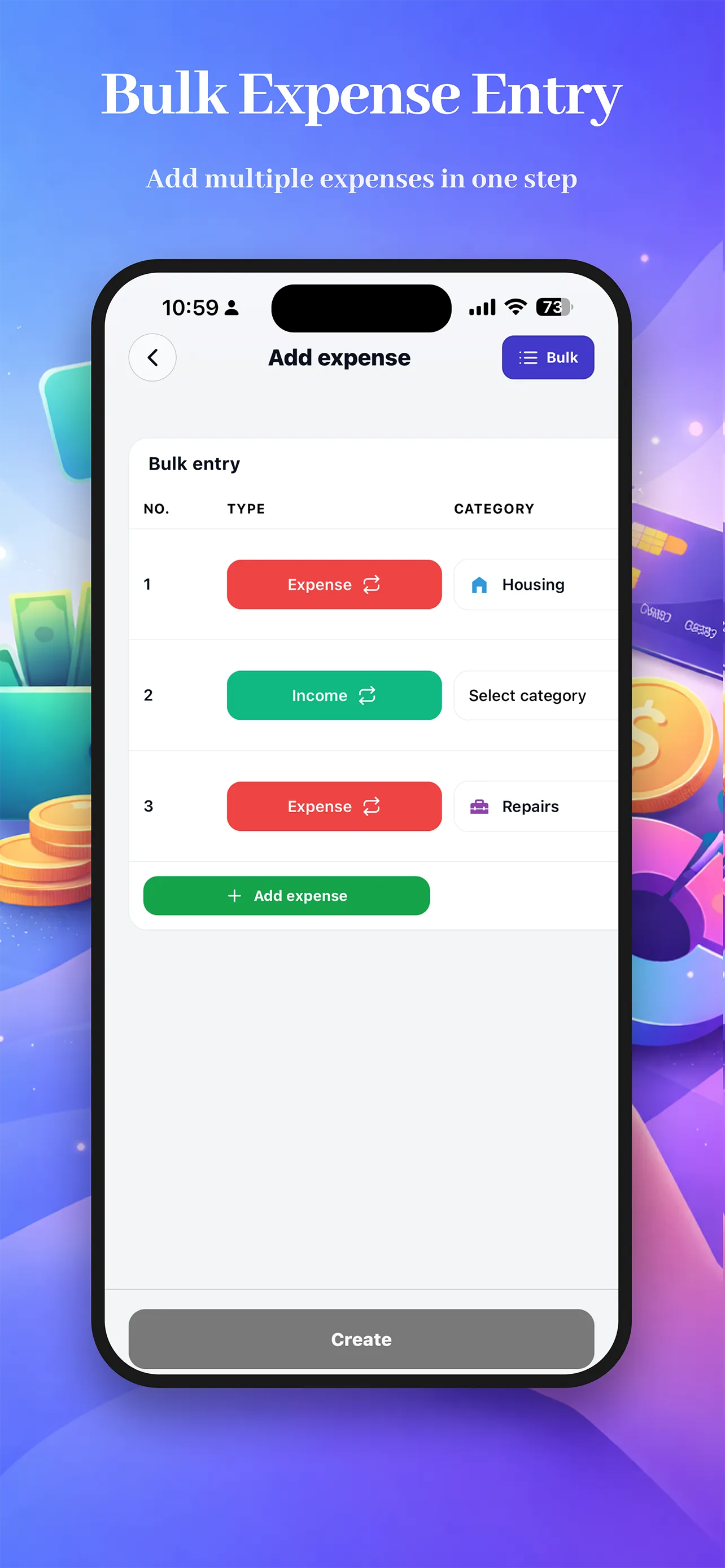
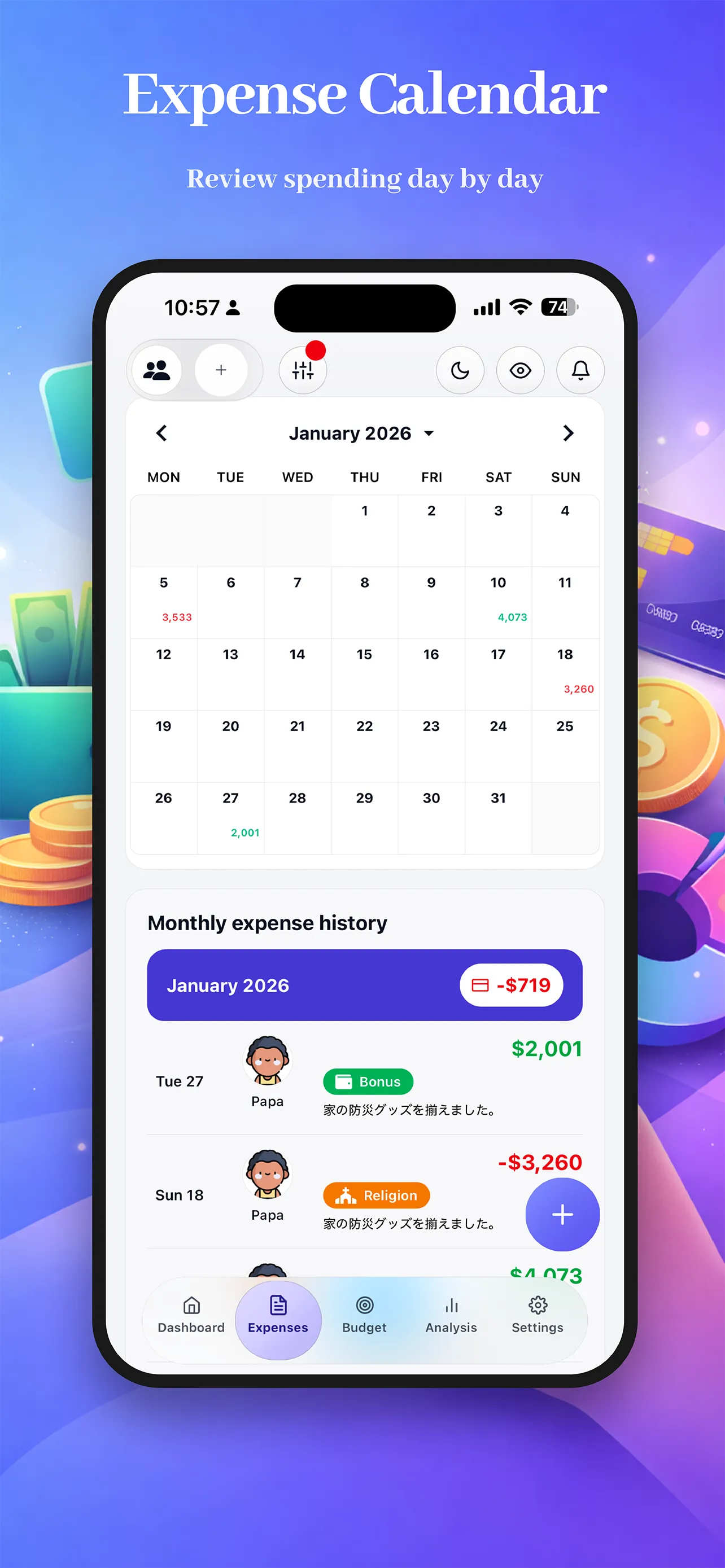
Record income and expenses with category, payment method, date, note, and recurring settings.
Analysis that explains spending
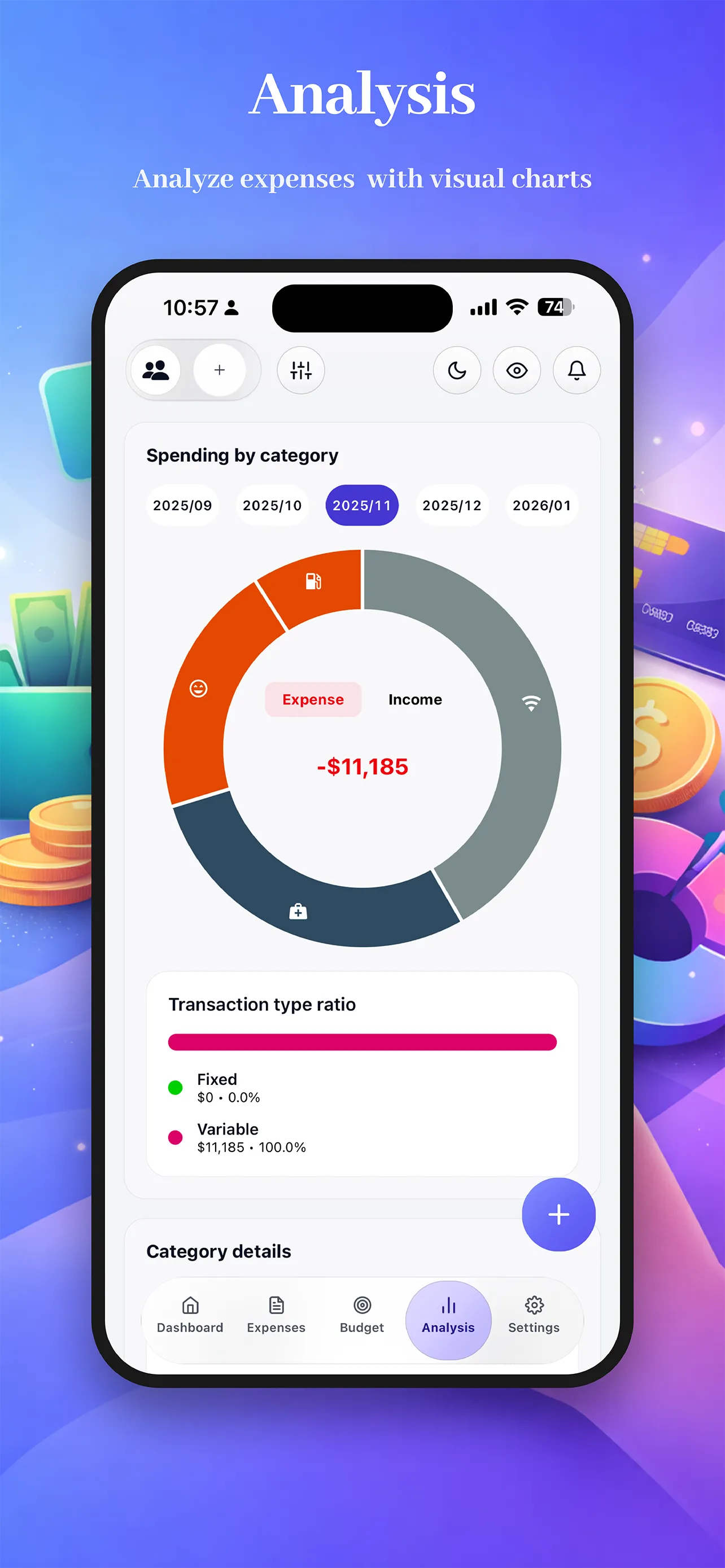
Review donut charts, category breakdowns, month filters, and payment method insights.
Monthly budgets by category
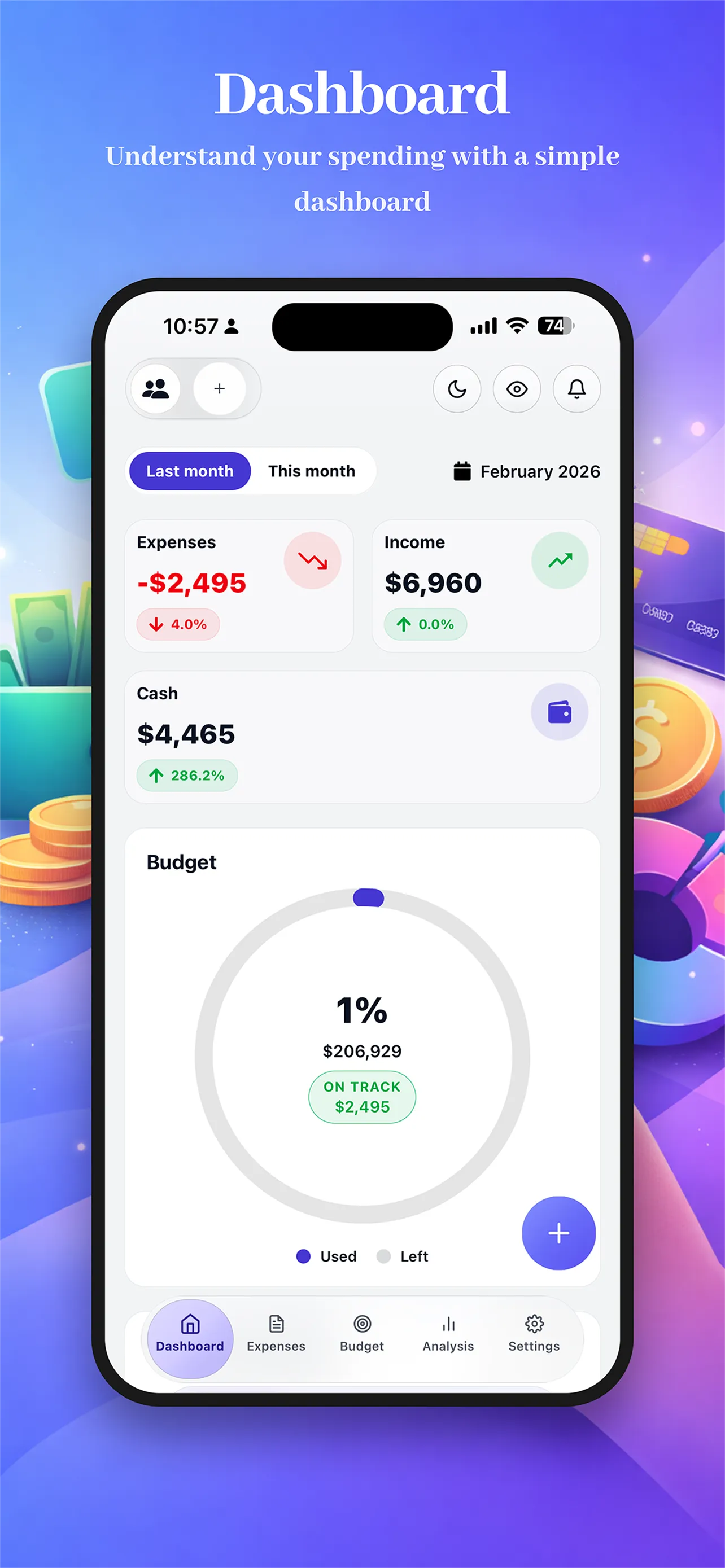
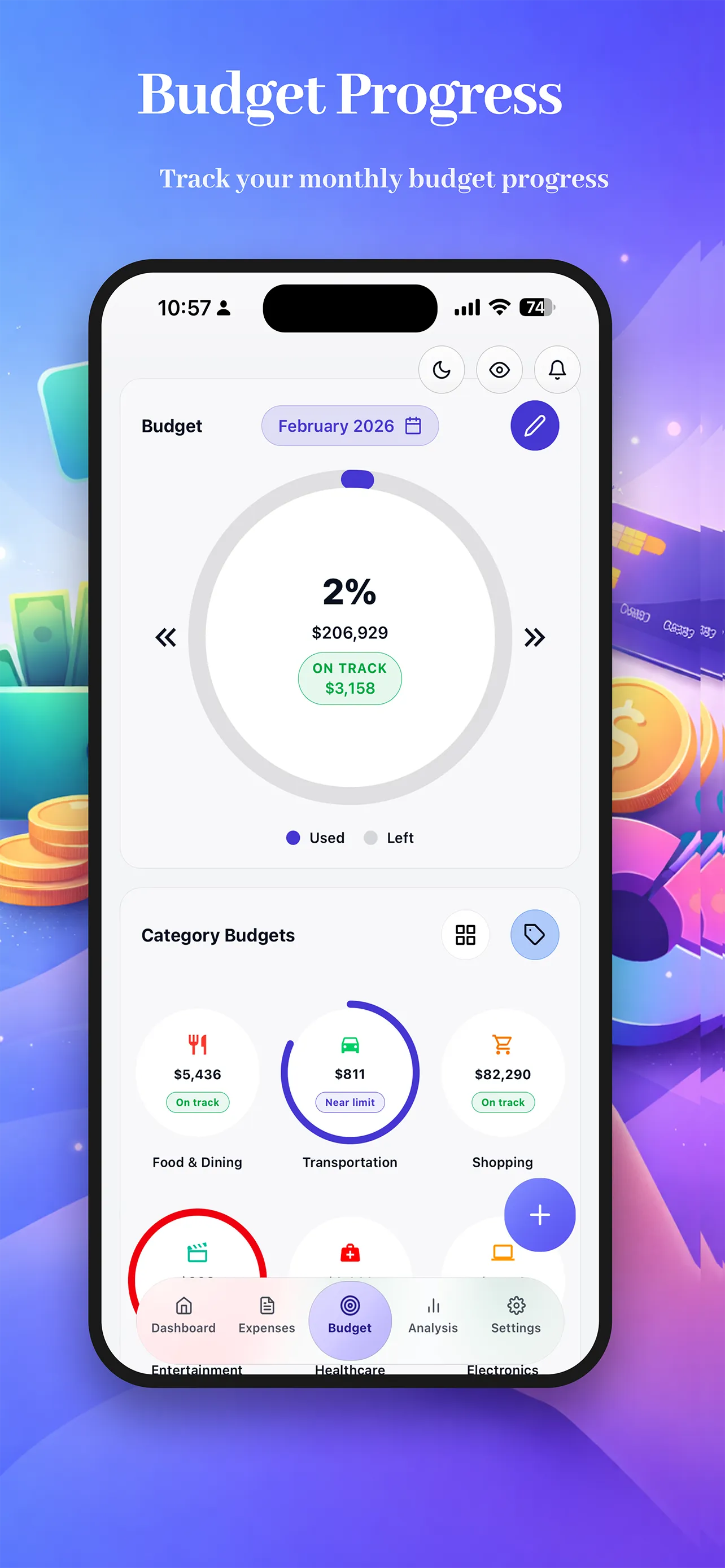
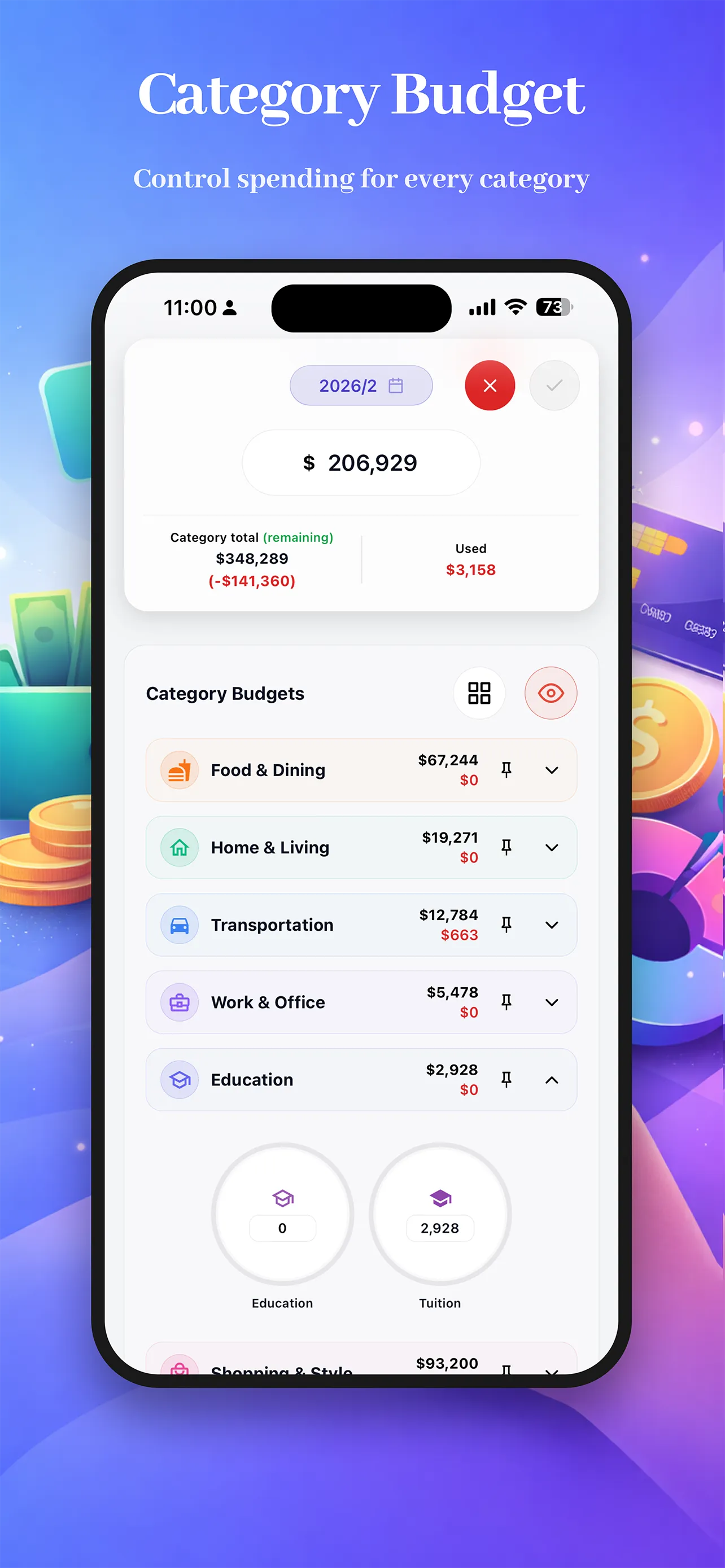
Set a total budget, split limits across categories, and monitor usage with visual gauges.
Groups and shared scope
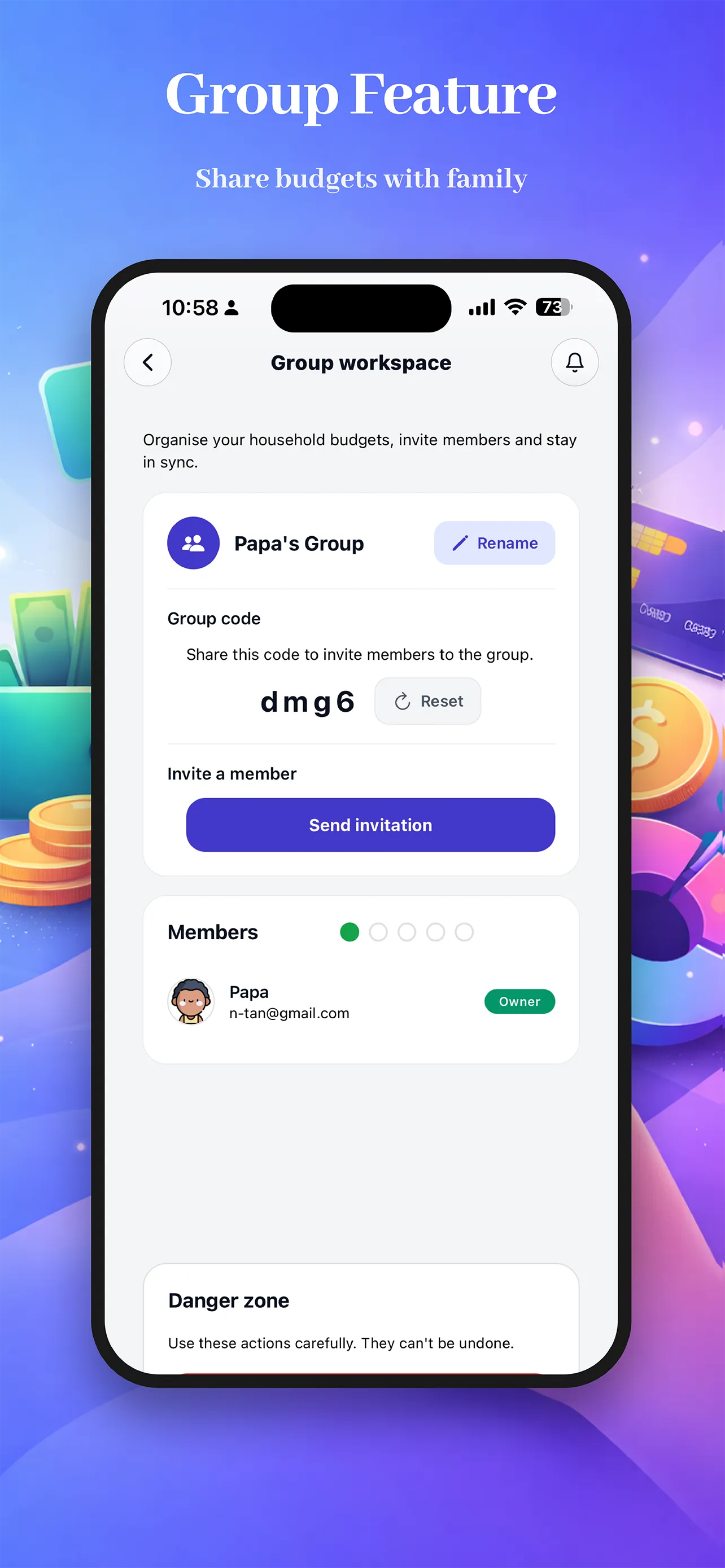
Work with household or group data through shared spaces, invitations, and member management.
Built for clarity
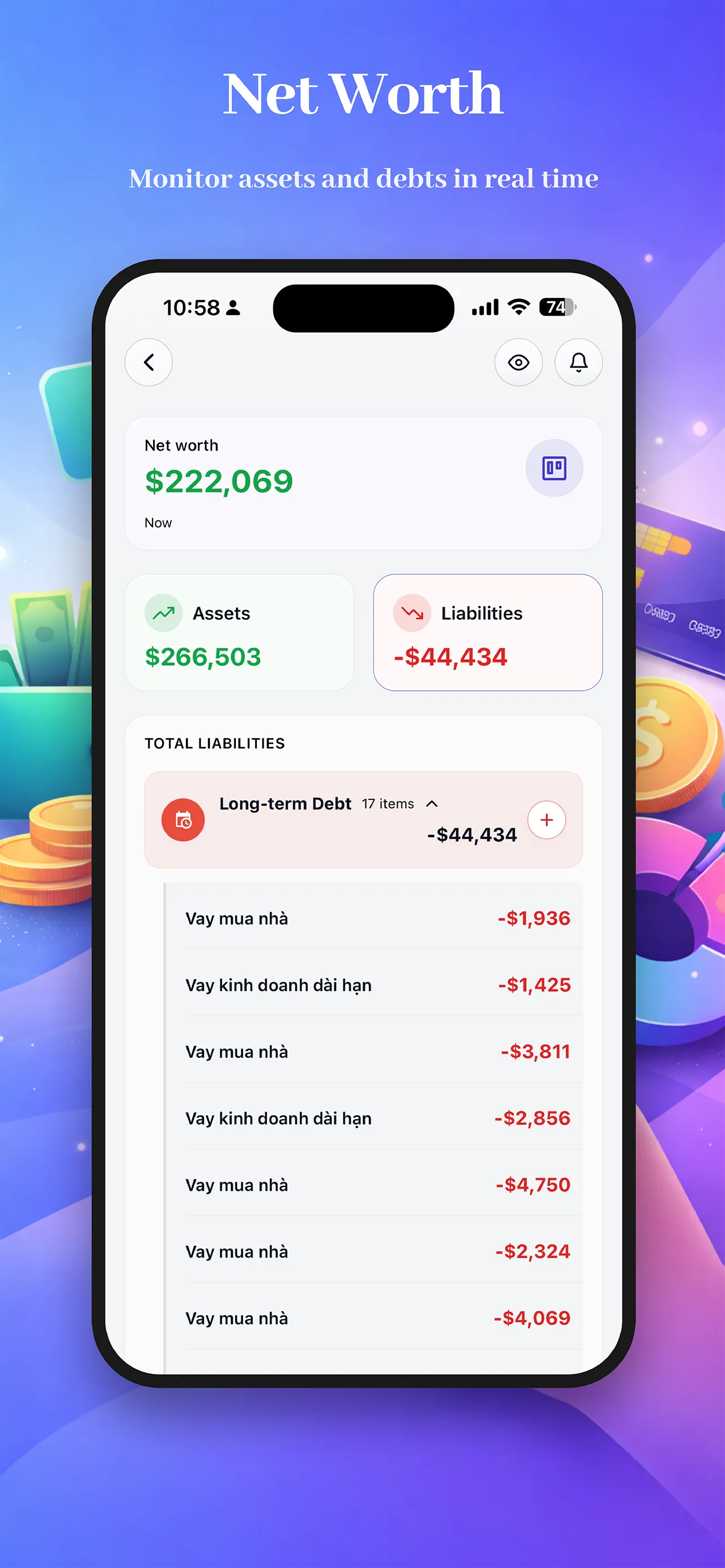
Real phone and tablet screens from the actual product flow, moving from day-to-day tracking into wider planning and review.
Three steps to financial freedom
Add a few real transactions
Start with recent income, bills, food, transport, or shopping so the rest of the app has meaningful data to work with.
Turn spending into a monthly plan
Open Budget to set limits for the categories that matter most and see how much of the month is already used.
Review dashboard and analysis
Check cash flow, category breakdowns, and financial trends so your decisions come from actual data.
See the full picture
Dashboard connects expenses, income, cash flow, budget usage, and assets instead of showing only one balance number.
Control the month earlier
Budget gauges and category limits make overspending visible before the month is already gone.
Work across personal or shared finance
Use the app for yourself or switch into group scope for household and shared spending workflows.
Choose your plan
Structured to match the in-app paywall: two premium options, yearly best value, and the same core upgrade story.
Premium features
Includes the same upgrade pillars highlighted in the app
Unlimited expense tracking
Keep recording transactions as your data grows instead of stopping at a small free cap.
Budget management
Create and track monthly budgets with clearer control over category-level limits and usage.
Financial analysis
Unlock the deeper reporting layer for category charts, comparisons, and clearer spending patterns.
Assets and liabilities
Track more than daily spending by managing balances, debt, and your broader net worth picture.
Payments renew automatically unless canceled before the next billing cycle, matching the Apple App Store and Google Play subscription flow used by the app.
Monthly
$2.99/month
Yearly
$29.99/year
Save about 16%
Frequently Asked Questions
How secure is my financial data?▼
The app focuses on practical privacy controls such as passcode lock, biometric unlock when supported, auto-lock timing, and the option to hide money amounts on key screens.
Can I use it with my partner or household?▼
Yes. The app supports group scope for shared finance situations, including creating a group, inviting members, and working with shared data when needed.
Does it only track expenses?▼
No. In addition to expenses, the app also supports income tracking, budgeting, financial analysis, and assets and liabilities management.
Does it support recurring transactions and detailed entry?▼
Yes. Transactions can include category, currency, date, payment method, note, fixed or variable type, and recurring rules by day, week, month, or year.
Download the app and start tracking today
Choose your platform and install the app to manage transactions, budgets, reports, and balances on the go.
App Store and Google Play links can be attached here when your store listings are ready.
Contact
Talk to the Money Budget team directly
For app support, billing questions, privacy requests, or launch partnerships, email us directly and we will route your message to the right person.
support@hiyoshi-tech.com